Restore Old Videos Online: Clean Up Old Phone and Family Clips
Old videos deserve a second life. Our AI reduces grain and blockiness and sharpens the picture, while the Natural look keeps the feel of the original.
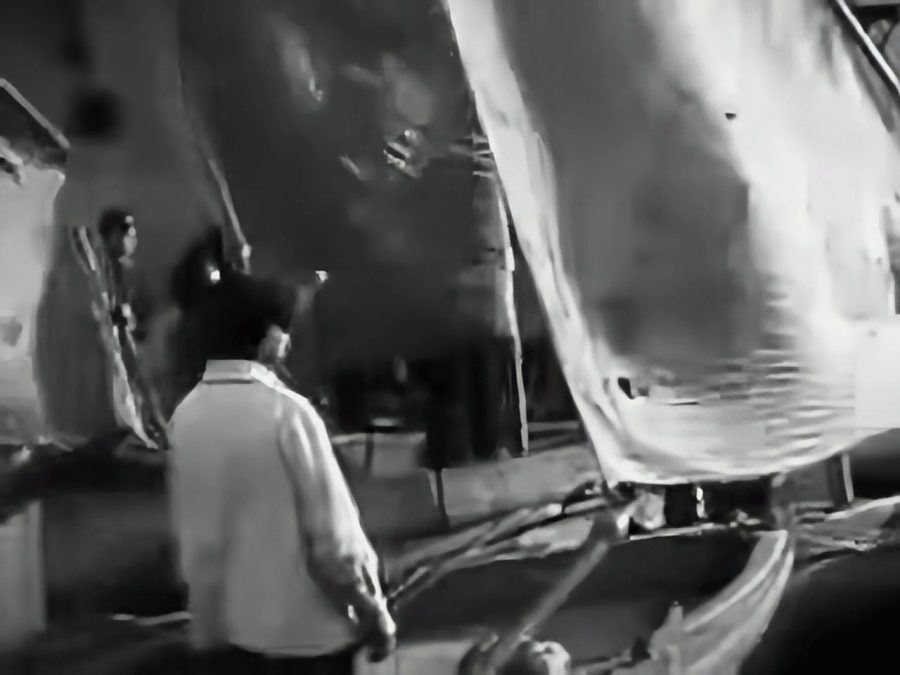

A 1925 film in a 320 x 240 copy, restored with Best Quality AI and the Natural look. Sample: Battleship Potemkin, public domain.
Why old videos look so poor today
Early phones and camcorders recorded very small pictures with small, noisy sensors. Those clips were then squeezed to save space, and many have been copied again and again. On a modern phone screen, every one of those problems becomes easy to see.
Old videos this tool works well on
- Early mobile phone videos at 144p to 480p
- Family clips saved on old computers, CDs or DVDs
- Camcorder tapes that have already been converted to a digital file
- Old clips that have been shared and re-uploaded many times
What it can repair, and what it cannot
| Can improve | Cannot fix |
|---|---|
| Grain and video noise | Scratches, dust and tape lines |
| Blocky compression | Missing or damaged frames |
| Soft, low-resolution picture | Turning black and white into colour |
| Weak contrast and dull colour | Very fast or heavy camera shake |
| Light hand shake, with Stabilize turned on | Missing sound |
Best Quality AI is selected on this page because it handles grain and old compression best. Try a 5 second test on your most important moment first, then choose a longer part if you like the result.
Get the best from an old recording
- Digitise tapes first. This tool works on video files, so VHS or camcorder tapes must be converted by a shop or a capture device before you upload them.
- Use the best copy you have. The first file is always better than a WhatsApp forward or a phone recording of a TV screen.
- Keep the Natural look so that the video still feels like its time. It is already selected on this page.
- Turn on Fix blurry faces for family clips. It makes soft faces clearer. Very small faces can come out a little different from the real person, so compare with your original.
- Keep your original file. Treat the enhanced clip as an extra copy, not a replacement.
Frequently asked questions
Can I restore a full wedding or family video?
Not in one go. The free tool enhances up to 30 seconds at a time, or 60 seconds with Quick Enhance, so it is best for your favourite moments.
Will it add colour to black and white video?
No. This tool keeps the colours of your video. It does not colourise.
Will it remove scratches or lines from the picture?
No. It reduces grain and compression, but scratches, dust and tape lines usually stay.
Can it fix a shaky old video?
Partly. Turn on Stabilize under More options to smooth hand shake. Footage that moves very fast or is very dark cannot be stabilized safely, and the tool then leaves the camera path as it is.
How long does it take?
Usually three to six minutes for a 10 second result. Very small old videos are often quicker.
Who can see my video?
Your video is not published anywhere. Our team may review uploads and results to improve this tool. They are deleted automatically after 7 days, and your download link works for 3 hours. Please do not upload private or sensitive videos.