WhatsApp Video Enhancer: Fix Blurry, Blocky WhatsApp Videos
WhatsApp shrinks videos before it sends them, and the picture pays the price. Upload a forwarded clip or a saved status and our AI cleans the blocky compression and rebuilds sharper edges.
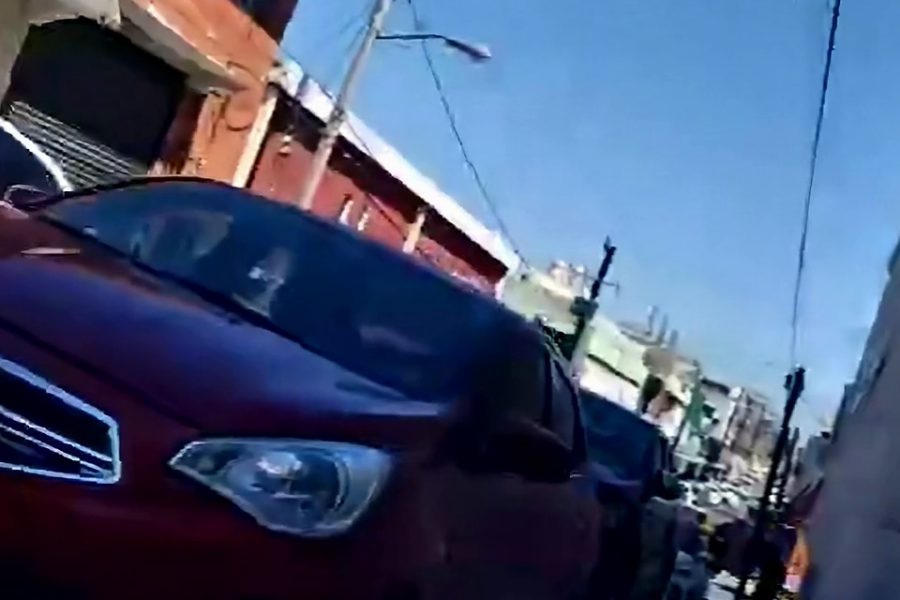
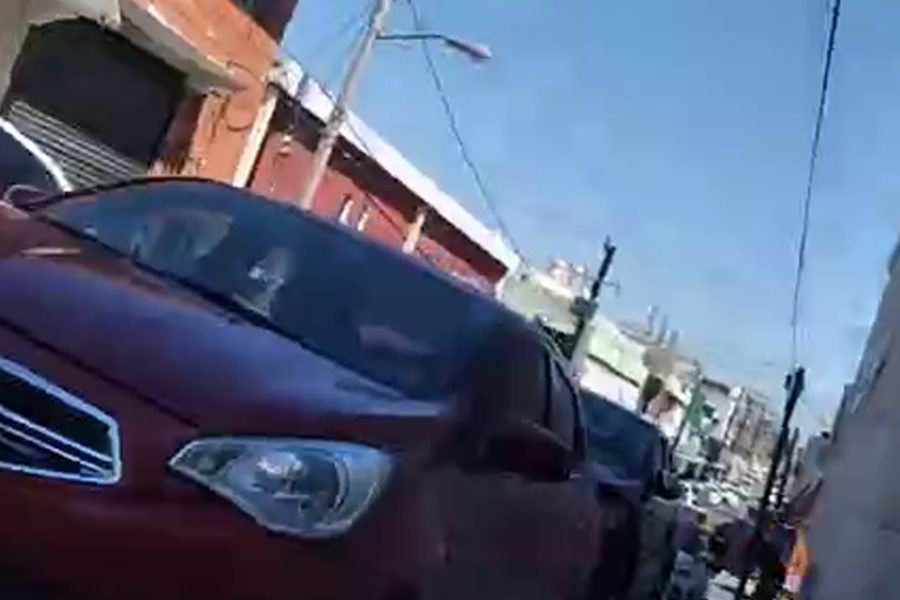
A clip compressed to 480p the way chat apps do, then repaired with Best Quality AI. Sample video: DogeGamer2015MZT, CC0.
Why WhatsApp videos look so bad
To send a video quickly and use less data, WhatsApp usually lowers its resolution and throws away fine detail. The damage shows up as square blocks in dark areas, smeared faces, soft text and a shimmering background whenever something moves.
This is different from ordinary blur. A normal sharpening filter makes those blocks stand out even more, which is why compressed clips need a different kind of repair.
How this tool repairs WhatsApp compression
- It measures the damage. The tool works out how heavily your file was compressed and holds back sharpening on badly compressed clips, so the blocks do not come back.
- It compares neighbouring frames. Compression damage changes from frame to frame while the real picture does not, so lining up nearby frames removes a lot of it.
- AI rebuilds the detail. Best Quality AI was trained on damaged images, so it cleans edges and faces instead of sharpening the noise.
- You get a clean MP4. The result keeps your sound and comes out at 1080p, or in 2K or 4K if you choose them.
Best settings for a WhatsApp video
- AI model: Best Quality AI is already selected here because it removes compression best. Fast AI finishes sooner but leaves more blockiness behind.
- Look: Reels HD adds contrast and colour. Choose Natural if you want the colours to stay as they were.
- Length: choose 5 to 30 seconds. 10 seconds takes about five minutes with Best Quality AI. For a whole status of up to 60 seconds, pick Quick Enhance.
- Dark clips: the AI brightens them by itself. You do not need to change anything.
- Smeared faces: turn on Fix blurry faces under AI extras. A face AI rebuilds the faces that compression smeared. It adds a few minutes.
Where to find the video on your phone
- Android: open your gallery and look in the WhatsApp Video album. In a file manager, check Android/media/com.whatsapp/WhatsApp/Media/WhatsApp Video.
- iPhone: open the chat, tap the video, then tap Share and Save so that it appears in Photos.
- Status videos: a status disappears after 24 hours, so save your copy first.
How to stop WhatsApp lowering the quality
- Tap the HD option on the send screen if your phone shows it.
- Send the video as a document. WhatsApp does not compress files sent this way, so the other person receives the original.
- If someone sent you a poor copy, ask them to send the original as a document before you try to repair it.
Frequently asked questions
Can this bring back the original quality of a WhatsApp video?
No tool can bring back detail that compression has already thrown away. The AI removes most of the blockiness and makes edges cleaner, so the video looks much better, but it will not match the original file.
Does it work on WhatsApp status videos?
Yes, as long as the video is saved on your phone as a file. Choose it from your gallery and pick the part you want.
How long does it take?
Usually three to six minutes for a 10 second result. You can lock your phone while it runs and come back to this page.
Is there a watermark?
No. The MP4 you download has no watermark and you do not need an account.
Why is only a part of my video enhanced?
This AI needs a lot of computing power for every single frame. Free results are up to 30 seconds with AI, or 60 seconds with Quick Enhance, so that more people can use it.
Who can see my video?
Your video is not published anywhere. Our team may review uploads and results to improve this tool. They are deleted automatically after 7 days, and your download link works for 3 hours. Please do not upload private or sensitive videos.